Blog

  • Discover the new version of TcpMDT Photovoltaic

    Discover the new version of TcpMDT Photovoltaic

    From the Aplitop team, we are pleased to announce the new version of TcpMDT Photovoltaic.

    This tool has been designed to maximize efficiency in your photovoltaic projects.

    Highlighted features

    ๐Ÿ†• Command to automatically distribute trackers in a zone, maximizing the power obtained. 

    ๐Ÿ†• Possibility to convert trackers from blocks.  

    ๐Ÿ†• Nominal Clearance management

    You can find the rest of the new features and changes in the change history document.

    TcpMDT Photovoltaic Version Playlist

    We have created a series of videos that will guide you from setting up a project to obtaining and reporting results. Don't miss them!

    ๐Ÿ‘‰ Watch playlist

    Want to learn more?

    If you would like to learn more about this new version, here are some useful links:

    ๐Ÿ”— Request TcpMDT PV quotation

    ๐Ÿ”— Request a demo of TcpMDT PV

    ๐Ÿ”— Discover the TcpMDT PV page

  • New update 2.7 of TcpGPS for Androidโ„ข

    New update 2.7 of TcpGPS for Androidโ„ข

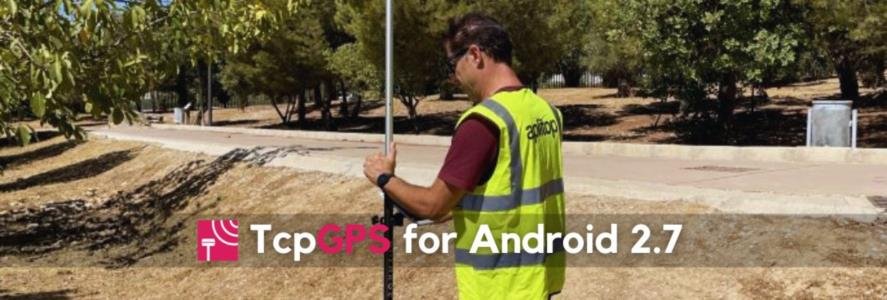
    From the Aplitop team, we announce a new update for TcpGPS for Android™.

    What's new in version 2.7?

    ๐Ÿ†• New graphical definition of local systems

    ๐Ÿ†• Ability to associate multiple images – โ–ถ Video

    ๐Ÿ†• Attributes with value lists for GIS projects – โ–ถ Video

    For more information, you can access the change history document.

  • Aplitop joins forces with Soltec to optimize earthworks in photovoltaic plants

    Aplitop joins forces with Soltec to optimize earthworks in photovoltaic plants

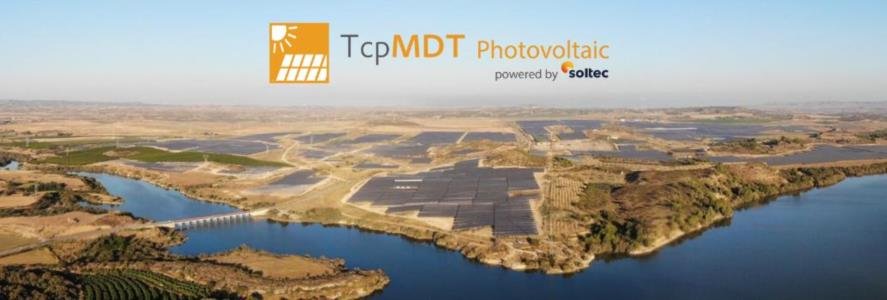
    Malaga – 22 November 2023. Aplitop joins forces with Soltec, a vertically integrated company dedicated to photovoltaic projects with solar trackers, to develop an application dedicated to improving the efficiency of earthwork tasks in photovoltaic solar energy installations.

    This collaboration between the two companies represents a bridge between two key sectors: surveying and solar energy.

    The main purpose of the alliance is to present to the market an innovative application that has been designed as a CAD plugin, to facilitate and make more efficient the planning and reduction of earthworks operations, quantity take-off, and relocation of solar trackers in photovoltaic plants. In essence, this tool seeks to simplify the tasks involved in the design and maintenance of solar energy installations, which leads to savings in time and resources.

    This new application, known as "TcpMDT Photovoltaic Powered by Soltec" has several features, including:

    โ—     Terrain analysis: Performs a detailed analysis of the slopes and orientations of the terrain, which is essential for the accurate planning of photovoltaic installations.

    โ—     Installation design: It facilitates the creation of efficient and optimal designs for photovoltaic plants, establishing criteria by zones and allowing different models of solar trackers to be combined.

    โ—     Calculation and optimization: Provides tools to calculate, resolve issues and optimize projects, ensuring efficient use of space.

    โ—     Results: Generates a complete set of reports, maps, and 3D models that provide key data to facilitate project decision-making and facilitate on-site work.

    Francisco Navarrete, CEO of Aplitop, said: "Aplitop is committed to the innovation and the application of new technologies to sectors with great growth potential, such as solar energy. Soltec's extensive experience and knowledge has allowed us to create software that offers answers to real problems and achieves significant cost savings. We are delighted to offer this collaborative solution to our international distributors."

    Raúl Morales, CEO of Soltec, said: "At Soltec we understand profitability as a key lever for photovoltaic deployment. Cost savings and leaps in operational efficiency are part of our commitment to developers as an integrated enterprise. We are excited to take another step in that direction with Aplitop to continue offering the market solutions that simplify, save and boost complicated development and installation tasks such as earthmoving."

    As for the availability of the application, TcpMDT Photovoltaic Powered by Soltec is available through Aplitop's international network of distributors.

    For more information, users can visit the product page on the Aplitop website or contact the following email address comercial@aplitop.com

    About Soltec

    Soltec is a company specialized in vertically integrated solutions in the photovoltaic solar energy sector, with a strong commitment to innovation and sustainability. Headquartered in Murcia, the company was founded in 2004 and currently operates in 16 countries, with a strong presence in Spain, North America, and Latin America. The company has been listed on the Spanish Continuous Market since 2020.

    Soltec structures its activity through three main business areas: i) the photovoltaic project development division, with a strong environmental, social and good governance commitment; (ii) The industrial division, through which it offers its customers additional construction services, to ensure a complete and integrated value proposition; iii) Soltec Asset Management, a third business division through which Soltec manages the assets that the company maintains in its portfolio, with the aim of maximizing its profits in the medium and long term.

    Links of interest:

    ๐Ÿ”— MDT PHOTOVOLTAIC PRODUCT PAGE

    ๐Ÿ”— VIDEO DE MDT PHOTOVOLTAIC

    ๐Ÿ”— TO SOLTEC NEWS

  • Discover the new version 1.8 of Tcp PointCloud Editor

    Discover the new version 1.8 of Tcp PointCloud Editor

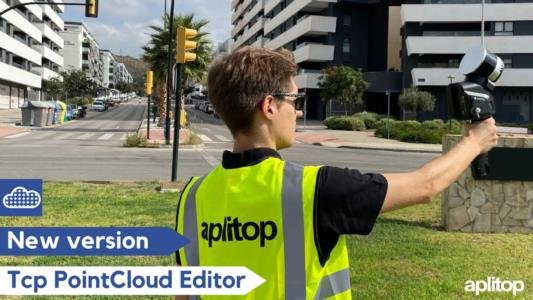
    From the Aplitop team, we announce the new version 1.8 of Tcp PointCloud Editor.

    This new version includes management of images captured by SLAM scanners and new tools to improve productivity in drawing on the point cloud. The main new features are the following:

    โœ… SLAM scanner images and trajectory viewer ๐Ÿ‘‰๐Ÿ”— Video

    โœ… Synchronization and bidirectional transfer of drawing entities with CAD ๐Ÿ‘‰๐Ÿ”— Video

    โœ… Automatic vectorization on plan sections ๐Ÿ‘‰๐Ÿ”— Video

    โœ… Automatic creation of 3D polylines from the drawing made in the profile editor ๐Ÿ‘‰๐Ÿ”— Video

    โœ… 360º image viewer from E57 files ๐Ÿ‘‰๐Ÿ”— Video

    If you want to test this new version or request more information to acquire it, we invite you to review the change history document and to visit the product page.

  • TcpMDT 9 for BricsCADยฎ v24

    TcpMDT 9 for BricsCADยฎ v24

    TcpMDT 9 version for BricsCAD® v24 is now available.

    Combine both tools to get the most out of your surveying and civil engineering projects.

    TcpMDT is the most complete and accessible application for surveyors and civil engineers, with it you can design from small plots to more ambitious projects such as highways and large housing developments.

    This new option is available in the TcpMDT 9 installation for all users with current maintenance contracts and for newly acquired licenses.

    ๐Ÿ‘‰ TcpMDT9 product page

    ๐Ÿ‘‰ What's new in BricsCAD 24

  • Discover #AplitopEcosystem with ZWCAD

    Discover #AplitopEcosystem with ZWCAD

    On 26 September 2023, APLITOP collaborated with ZWSOFT to show the ecosystem of applications over ZWCAD 2024.

    The webinar was attended by about 100 people from different countries around the world and was a great success for the APLITOP and ZWCAD teams.

    Our app ecosystem (#AplitopEcosystem) is composed by TcpGPS, TcpMDT and Tcp PointCloud Editor. In combination with ZWCAD, it provides a complete solution for all kind of surveying and civil engineering projects.

    The workflow consists of three stages:

    1๏ธโƒฃ Reality capture. TcpGPS allows connection with GNSS receivers of different brands and collects data quickly and easily. Meanwhile, other tools facilitate the calculation of total station observations, and the management of massive data based on point clouds from 3D scanners or drones.

    2๏ธโƒฃ Data processing and mapping. The data is imported in TcpMDT Standard on ZWCAD, automatically generating the digital terrain model, profiles and project cartography. In addition, the ability to visualize dense point clouds in ZWCAD 2024 allows comparison with LiDAR data of the working area. This can be complemented with information measured from fixed or SLAM scanners and edited by Tcp PointCloud Editor.

    3๏ธโƒฃ Project design and stakeout. Once the data from different sources are processed, TcpMDT Professional on ZWCAD facilitates the design of the final solution for terrain and infrastructure. It also generates plans, 3D models, quantity take-off reports, and more, which can be exported to GIS, BIM, and other formats. Finally, the resulting project is loaded into TcpGPS and staked out in the field for the start of the works.

    About ZWSOFT:

    ZWSOFT is a pioneering engineering software company based in Guangzhou, China. The company is committed to facilitating efficient and cost-effective product design and manufacturing through its flagship 3D software product, ZW3D. ZWSOFT also stands out for its proprietary CAD/CAE/CAM technologies that facilitate intelligent manufacturing. With its commitment to innovation and efficiency, ZWSOFT has become a benchmark in the engineering software sector.

    Aplitop is a registered ZWCAD developer since 2010.

    If you want to learn more, we share bellow some useful links:

    ๐Ÿ”— Video of the Webinar Session

    ๐Ÿ”— ZWSOFT Blog Post

    ๐Ÿ”— TcpGPS Product Page

    ๐Ÿ”— TcpMDT Product Page

    ๐Ÿ”— Tcp PointCloud Editor Product Page

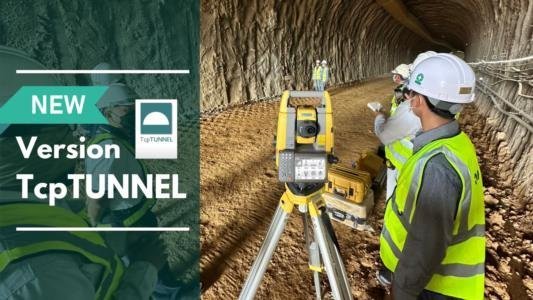
  • New version 5.1 of TcpTunnel

    New version 5.1 of TcpTunnel

    From the Aplitop team, we announce a new update for TcpTunnel.

    In this, the following new features are included to further improve productivity in the control of works of tunnel projects.

    Notable new features and enhancements:

    โœ… Recording of points in tracking mode in profile checking

    โœ… Assignment of functions to physical keys for improved productivity

    โœ… New base selection options for inverse intersection

    โœ… Control of the TOPCON GTL series scanner

    The rest of the enhancements and changes can be found in the change history document. You can also visit the TcpTunnel product page.

  • TcpMDT 9 for GStarCAD 2024

    TcpMDT 9 for GStarCAD 2024

    From the Aplitop team, we want to inform you that the latest version of TcpMDT 9 for GStarCAD 2024 is now available.

    From today, users can enjoy this complete economic and powerful alternative to develop new surveying and civil engineering projects in CAD environment. In addition, new features and enhanced functions have been included in this latest version, increasing efficiency and providing an optimal drawing experience. 

    You will be able to complement and enhance these features with the functionalities of TcpMDT, the most complete and accessible application for professionals in the sector. With it you can work on all types of projects, from small plots of land to roads and urbanizations.

    The integration is available both for users with active maintenance and for newly acquired licenses.

    Below, we attach a series of links of interest:

    ๐Ÿ”— TcpMDT9 Product Page

    ๐Ÿ”— TcpMDT9 Playlist

    ๐Ÿ”— GStarCAD 2024 Product Page

    ๐Ÿ”— GStarCAD 2024 Presentation Video

  • New update 2.6 of TcpGPS

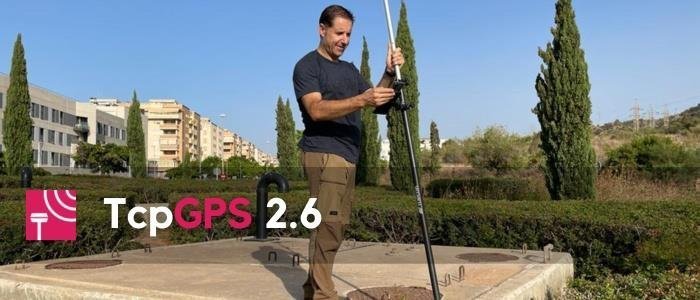
    New update 2.6 of TcpGPS

    From the Aplitop team, we announce a new update for TcpGPS for Android™.

    What's new in version 2.6?

    ๐Ÿ†• Android 13 compatibility.

    ๐Ÿ†• Added support for Trimble DA2 GNSS receiver.

    ๐Ÿ†• Display of Hdop and Vdop values of raw point data in raw data table.

    For more information, you can access the change history document.

  • August Holidays

    August Holidays

    We inform you that our company will be closed for vacations during the week of August 14 to 20.

    During this month, our schedule is from 9:00 to 15:00 (M-Th) and from 9:00 to 14:00 (F).

    Also, some answers, both from the technical and commercial team, may be delayed due to vacation shifts.

    You can access the support area to consult useful resources:

    ๐Ÿ‘‰ Technical Support